
On a boat, battery, inverter and solar charging information may be spread across several devices. YatComm can bring data from a Victron system together on the boat’s display through a Cerbo GX or Ekrano GX.
In one of our installations, we connected YatComm to the GX device via Ethernet. The system includes a Victron lithium battery BMS, a MultiPlus inverter/charger and two MPPT solar charge controllers. Data from these devices is presented on YatComm’s dedicated screens.
Does YatComm need a separate cable to each device?
When the Victron equipment is already connected to the GX device, YatComm does not need a separate connection to the BMS, MultiPlus and each MPPT. One Ethernet connection between YatComm and the GX device allows YatComm to read the data made available through the GX device.
This keeps the additional wiring simple while bringing information from the existing Victron installation into the YatComm interface. The data available depends on the connected equipment and the system configuration.
What can you see on the YatComm screen?
Battery screen: Information from the Victron lithium battery BMS is displayed alongside the boat’s other systems.
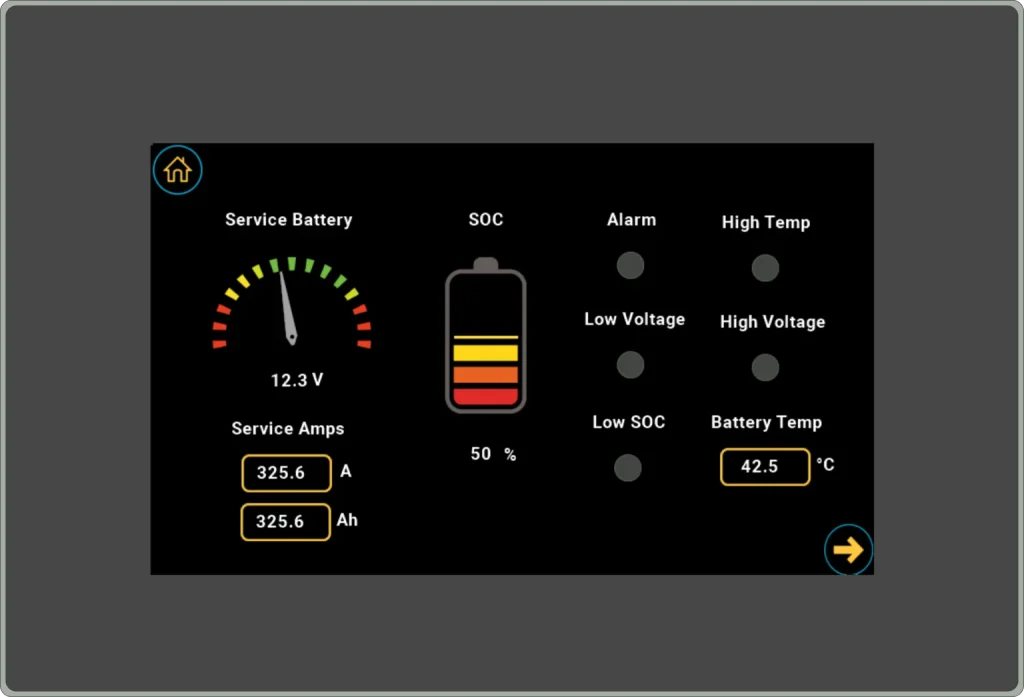
AC and inverter screen: Data from the MultiPlus is shown on a dedicated screen, making it possible to check the AC system and inverter from the YatComm display.
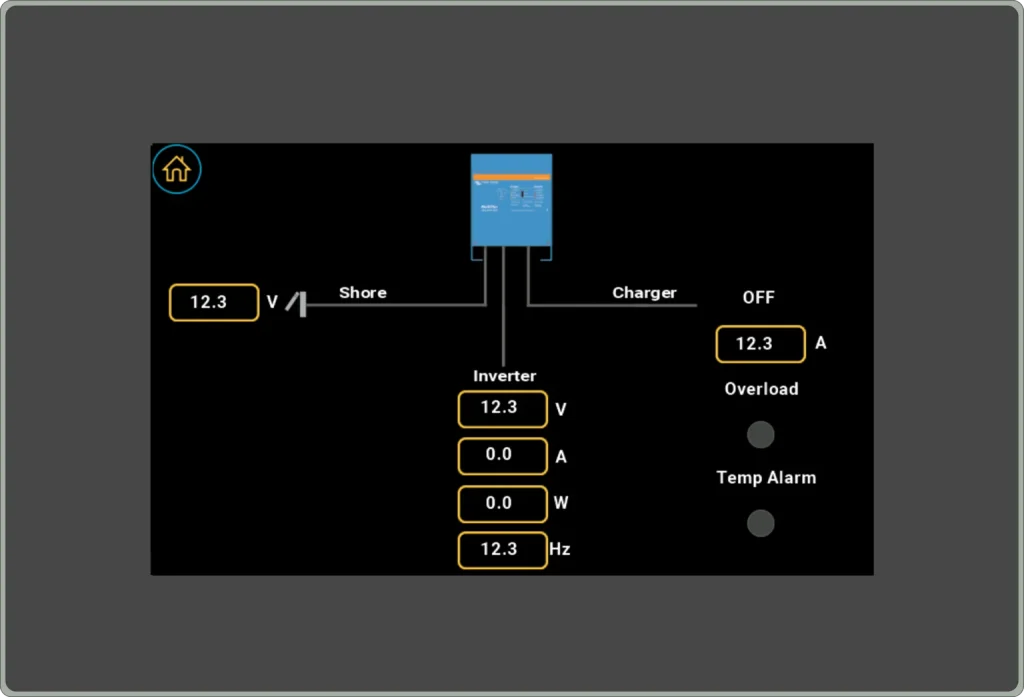
Solar charging screen: The two MPPT controllers are shown separately. For each controller, the screen displays solar panel voltage, total energy, panel power and output current.
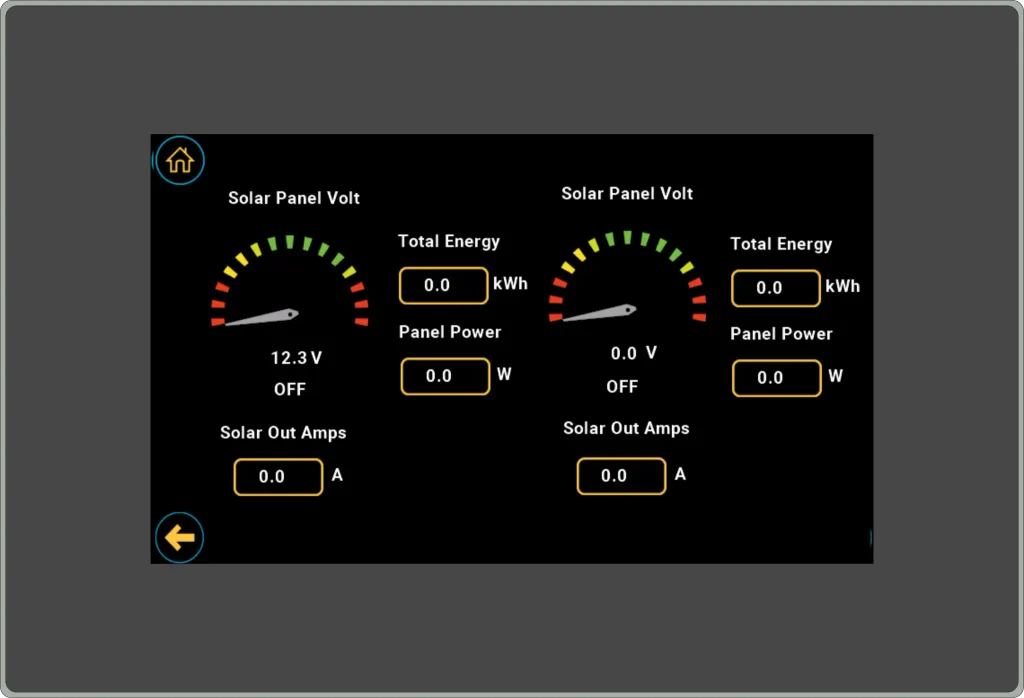
This installation shows how YatComm can include data from communication-enabled equipment already installed on a boat. The screens and displayed information can be adapted to the equipment and requirements of each installation.